


Ordering website or ordering app: which one does your restaurant need first?
Start with an ordering website: it opens from any link and needs no download. Here is when an app earns its place, and how to make a site feel like one.

Key takeaways
- Start with an ordering website: it opens from a Google search, a QR code or a link in your bio, and the customer downloads nothing.
- An app makes sense later, when a clear group of regulars orders every week and you have a reason for them to keep your icon.
- A website can feel like an app with a saved account, a one-tap second order, a fast card payment and a live tracking link.
- Before you spend on an app, count the customers who ordered four times or more in the last 90 days, or whatever count means regular for you.
Start with an ordering website. A website opens from a Google search, a QR code or the link in your Instagram bio, and the customer downloads nothing. Add an ordering app later, only when a group of regulars orders from you every week and you want to sit one tap from their home screen.
Most owners picture the app first, because the big chains have one. The first order comes from somewhere else: a search, a printed code, a link a friend sent. All of those land on a page.
What is the difference between an ordering website and an ordering app?
An ordering website is a page that opens in the phone’s browser, takes the order and the card payment, and sends the order to your register. An ordering app is a program the customer downloads from an app store and keeps on the home screen. Both can take the same order. They differ in how the customer arrives and in what you have to maintain.
| Ordering website | Ordering app | |
|---|---|---|
| How the customer gets there | A link, a QR code or a Google search | An app store download first |
| First-time customer | Orders in one visit | Downloads, opens and usually signs up before the first order |
| Found on Google | Yes, as a page | Mostly as a store listing |
| Menu and price changes | Live as soon as you save them | Usually live, but new features ship as a new version that Apple and Google review |
| Reminders | Text or email | Push notifications, if the customer allowed them |
| Saved card and “Order again” | Yes, with an account | Yes |
| Upkeep | Your ordering provider keeps one site current | Updates for every new phone version, on top of the site |
| Best for | Every customer, including the first order | Customers who order every week |
Why does a website win the first order?
Because the first order starts when someone is hungry, or an office needs lunch, and they tap the link in front of them. Few people install an app to order a single lunch.
Every way a new customer reaches you today points to a page: the link in your Instagram bio, the QR code on the table, the ordering button on your Google profile, a text from a friend. A website can be the destination for all of them. An app needs the customer to install it first, and some will stop there.
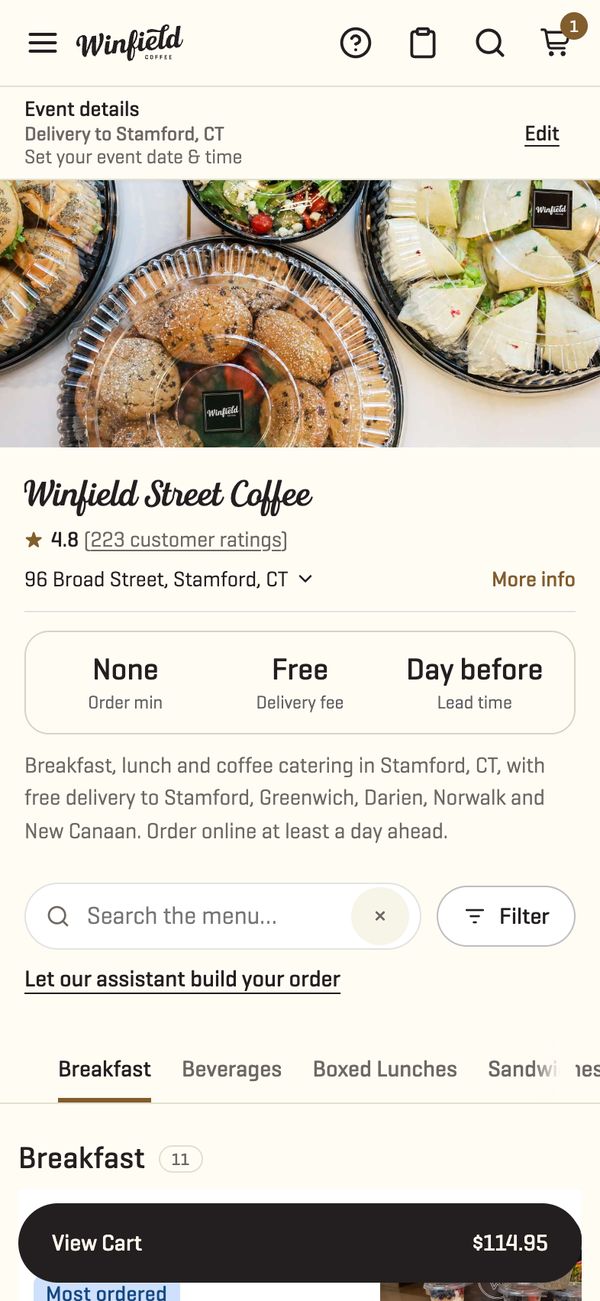
Catering sharpens this. The person ordering for an office often sits at a laptop, picks a date and a headcount, and forwards the link to someone who approves it. A link survives that handoff, while an app has to be installed by each person who touches the order. Our guide to taking catering orders online covers the fields that flow needs.
When does an ordering app start to make sense?
An ordering app makes sense when a clear group of customers orders from you every week and you have a reason for them to keep your icon. Four checks tell you whether you are there.
- Count your regulars. Pull the last 90 days of orders from your own site and count the customers who ordered four times or more, or whatever number means “regular” for you. If that group is a small slice of your sales, an app has few people to serve.
- Look at how they come back. If regulars already return from a saved link or the link in your receipt email, the habit exists and an app can build on it. If they search for you every time, fix that first with a site your regulars actually use.
- Name the reason for the icon. Loyalty rewards, a ready-for-pickup alert or a standing weekly order are reasons. An app that only repeats the website gives a customer nothing to open it for.
- Plan the upkeep. An app needs updates when phones update, and each release goes through Apple and Google review. Budget for upkeep every year after launch.
If you cannot pass the first two checks, the money does more on the website and on getting people back to it.
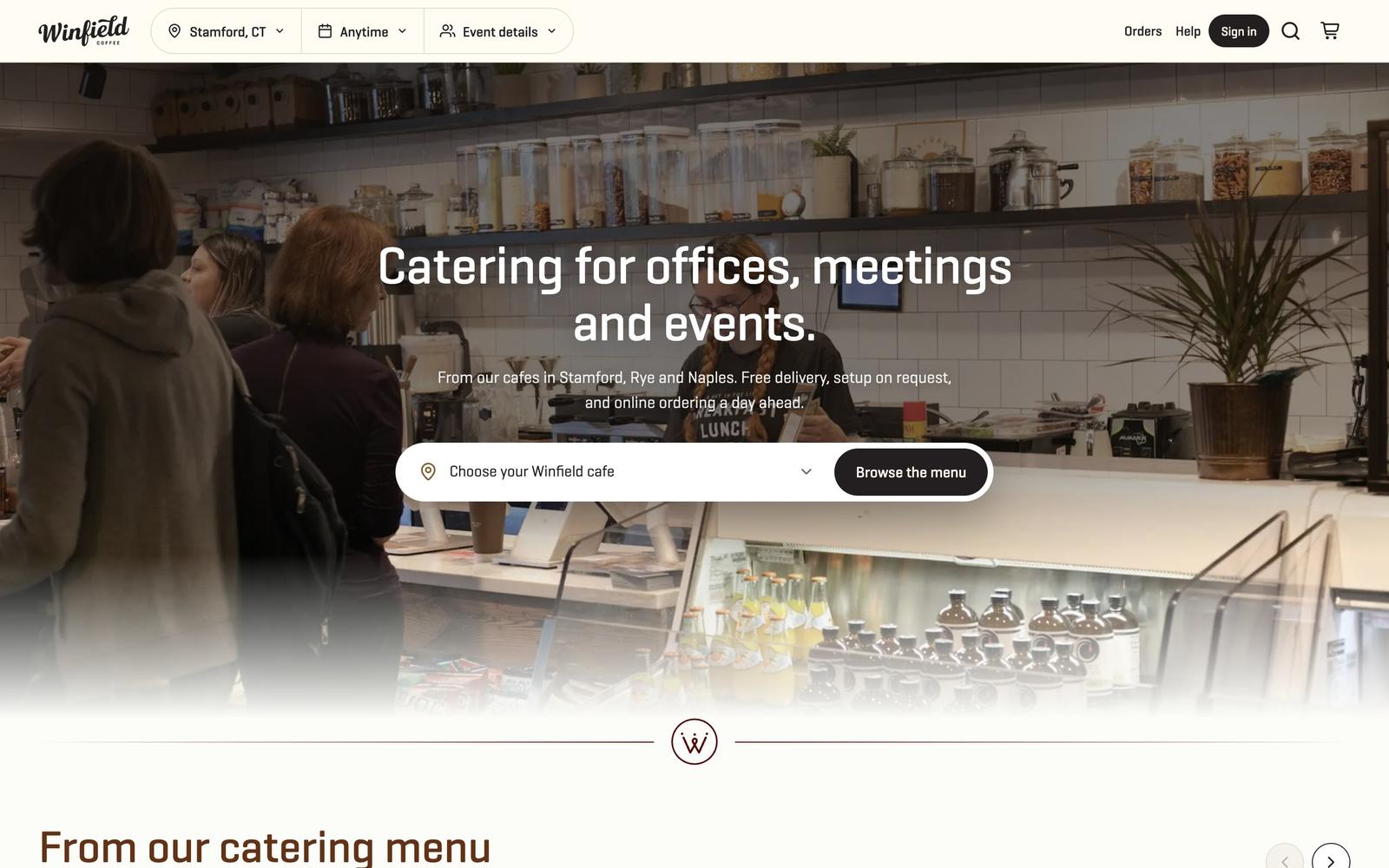
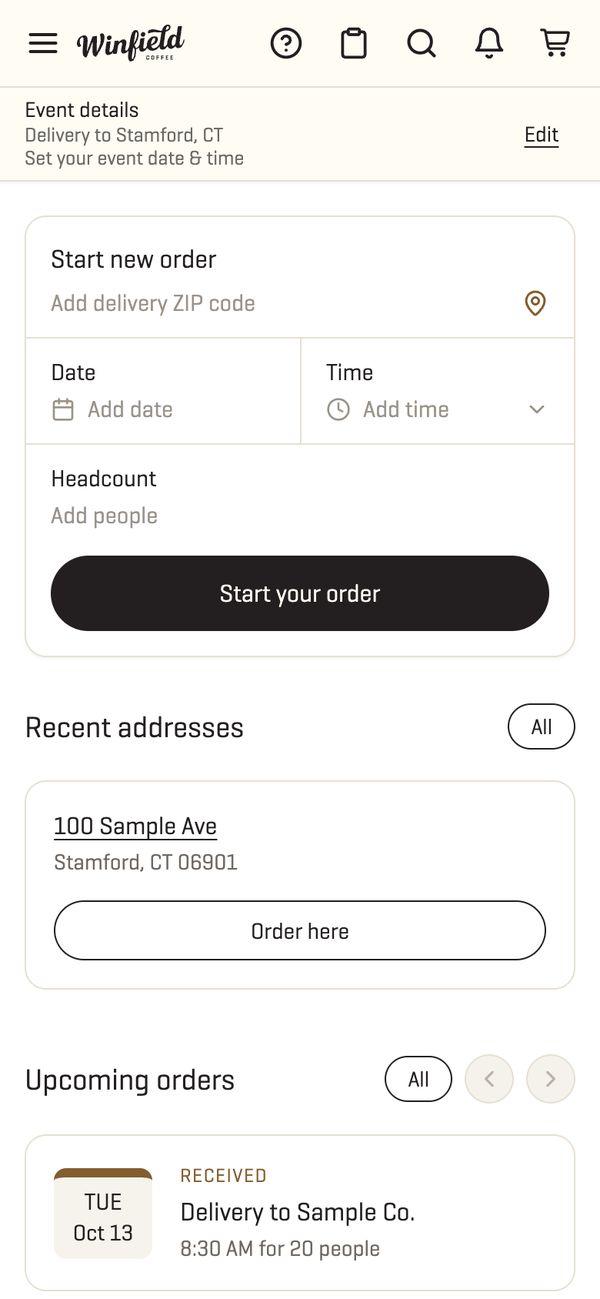
Our take: for most independent restaurants and cafes, the order is website first, then regulars, then maybe an app. We build ordering websites on purpose. At Winfield Street Coffee, customers order catering on the website. The app we built for their delivery drivers is in use every shift, because drivers need the camera and the trip list.
How do you make an ordering website feel like an app?
Give the customer what an app gives them: nothing to retype and a second order that takes one tap. A website can do most of that.
- Save the account. The delivery address, the card and past orders are already there on the second visit.
- Put the repeat order first. The second order should be one tap from the home page, with the last order already in the cart.
- Take Apple Pay and Google Pay if your payment processor supports them, so checkout takes a few taps instead of a typed card number.
- Invite them to save the site. iPhone and Android both let a customer add a website to the home screen from the browser menu, and a short line with a QR code on the receipt shows them how.
- Send a receipt that brings them back. A short email or text with the order and a link to order again.
- Show where the order is. A live link answers “where’s my order?” with no download; here is what a delivery tracking link should show.
What should you build first, and in what order?
Start with pickup ordering on your own site, paid into your POS, so the ticket prints in the kitchen and the sale lands in your reports. Put the link everywhere your customers already look: the bio, the Google profile, a QR code on the table and the bag.
Add delivery or catering once pickup runs smoothly. After about 90 days, count your regulars again. That number tells you whether an app deserves a budget.
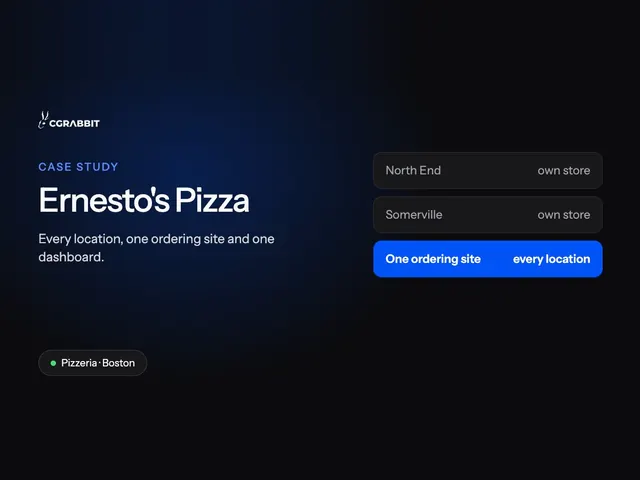
This is what we build at CGRabbit: an online ordering system with your name on it, card payments into the POS you already use, a one-tap reorder and one monthly price with no per-order fees. For catering and several stores, you can see the Winfield Street Coffee system. If you want a second pair of eyes on your own ordering flow, get a free assessment.
Frequently asked questions
Can customers save my ordering website to their phone like an app?
Yes. On iPhone and Android, a customer can add any website to the home screen from the browser menu, and it opens like an icon. A short line and a QR code on the receipt help them do it.
Will an ordering app bring me more new customers than a website?
Usually not. An app serves customers who already know you and chose to download it. New customers find you through search, a link or a QR code, and those lead to a website.
Why do big restaurant chains have apps?
Chains tend to have a loyalty program and enough marketing to give people a reason to keep the app installed. An independent restaurant first has to earn the second order, and a website does that with less to build and maintain.
What can an app do that a website cannot?
The main advantages are an icon the customer chose to keep and notifications on the lock screen. Texts and emails cover much of the same ground without a download, so wait for a group of regulars before you pay for the difference.

Comments