


Abandoned catering carts: how to win back a big order before it goes cold
A left-behind catering cart is a big order still open. See who to call, when, and what to say before the event date takes it away.

Key takeaways
- A catering cart left behind is a big order that is still open, because the date, the headcount and the trays are already chosen.
- Reach the buyer within a day, and within the hour when the event is close, with a call or a personal email that names their order and offers help.
- You can only follow up on carts you can see, so ask for contact details early and have one person open the list every morning.
You win back an abandoned catering cart by reaching the buyer within a day, while the event date is still open, with a short message that names their order and offers help. The cart already holds the date, the headcount and the trays, so the hardest part of the sale is done.
Most restaurants never see that cart. The buyer closes the tab, the order disappears, and the owner learns in a slow week that the lunch for 30 went to someone else.
Why do catering carts get abandoned?
Because a catering order is a group decision. The person at the keyboard is usually an office manager who still has to confirm the headcount, get a boss to approve the price, or wait for someone to lock the date.
In our experience building these flows, the reasons come down to a short list: the headcount changed, the price needs approval, the date is not confirmed, or the payment step raised a question. Each one is an unanswered question, and none of them is a refusal.
So the cart is a pause. Every day it sits there, the event gets closer and the order gets more likely to go to whoever answers first.
We wrote about the other side of this in how to take catering orders online. A regular takeout cart has nowhere to ask the questions a big order needs, and a stalled cart often marks the spot where a question went unanswered.
How much is one abandoned catering cart worth?
One catering cart is worth many takeout carts, so a few calls a month can matter. The table uses example numbers. Swap in your own average order and your own count.
| Item | Example |
|---|---|
| Average catering cart | $450 |
| Carts left behind in a month | 6 |
| Value sitting in those carts | $2,700 |
| Carts you win back (1 in 3) | 2 |
| Orders recovered | $900 |
These numbers are examples, not data from any restaurant. The order you recover on your own site costs you no ad and no marketplace commission, because the buyer already picked your restaurant.
How do you see an abandoned catering cart?
You need three things, and many ordering sites miss at least one.
First, the cart needs a name on it. Ask for an email or a phone number at the start of the catering form, next to the event date, and not at the payment step. A cart with no contact cannot be followed up.
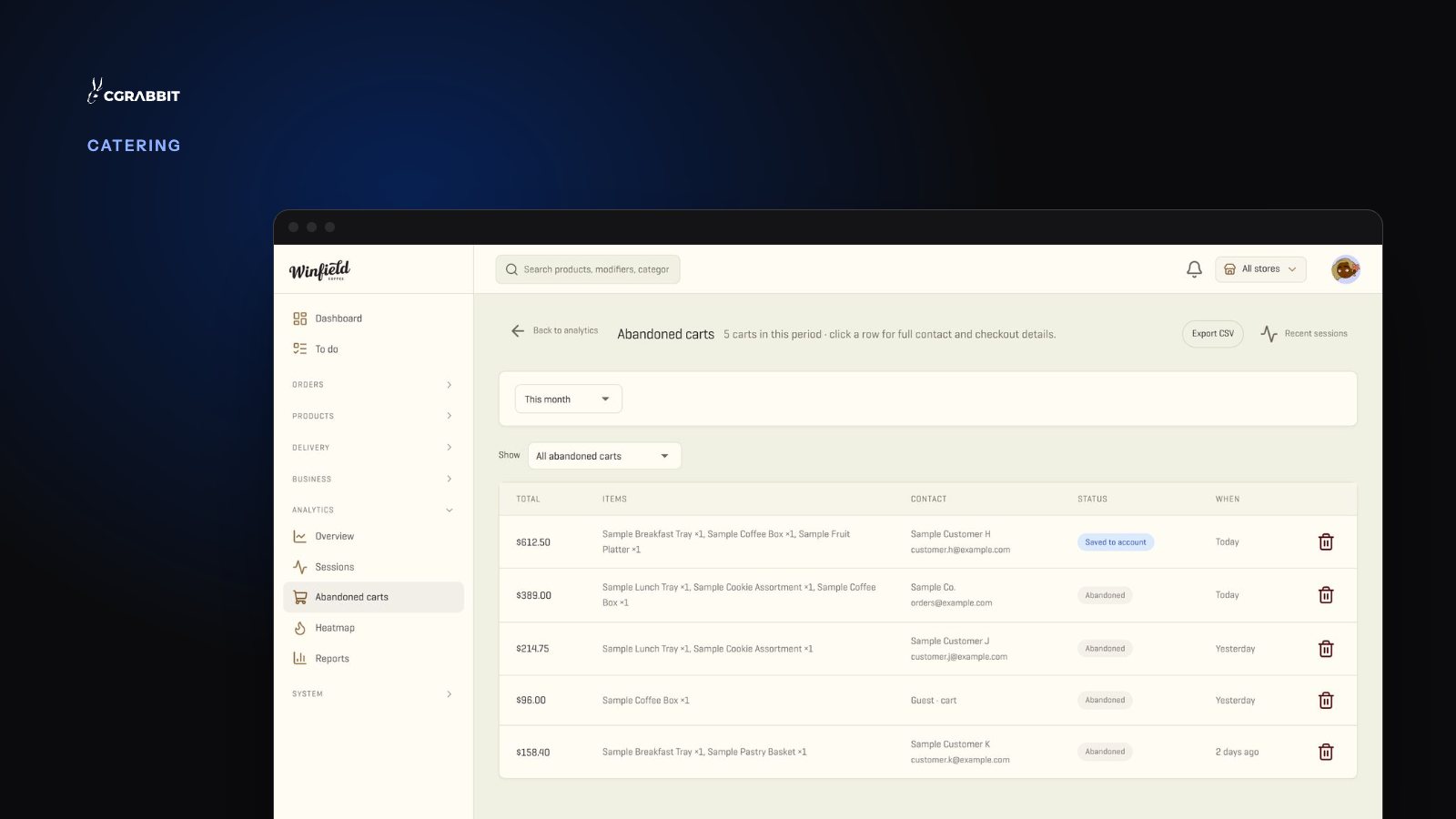
Second, you need a list. That means a screen showing each cart that was left behind, with its items, its total and the contact. A report that only says “14 abandoned carts” gives nobody a call to make.
Third, someone has to open the list every morning. Give it to one named person and five minutes of their day. A list nobody opens is the same as no list.
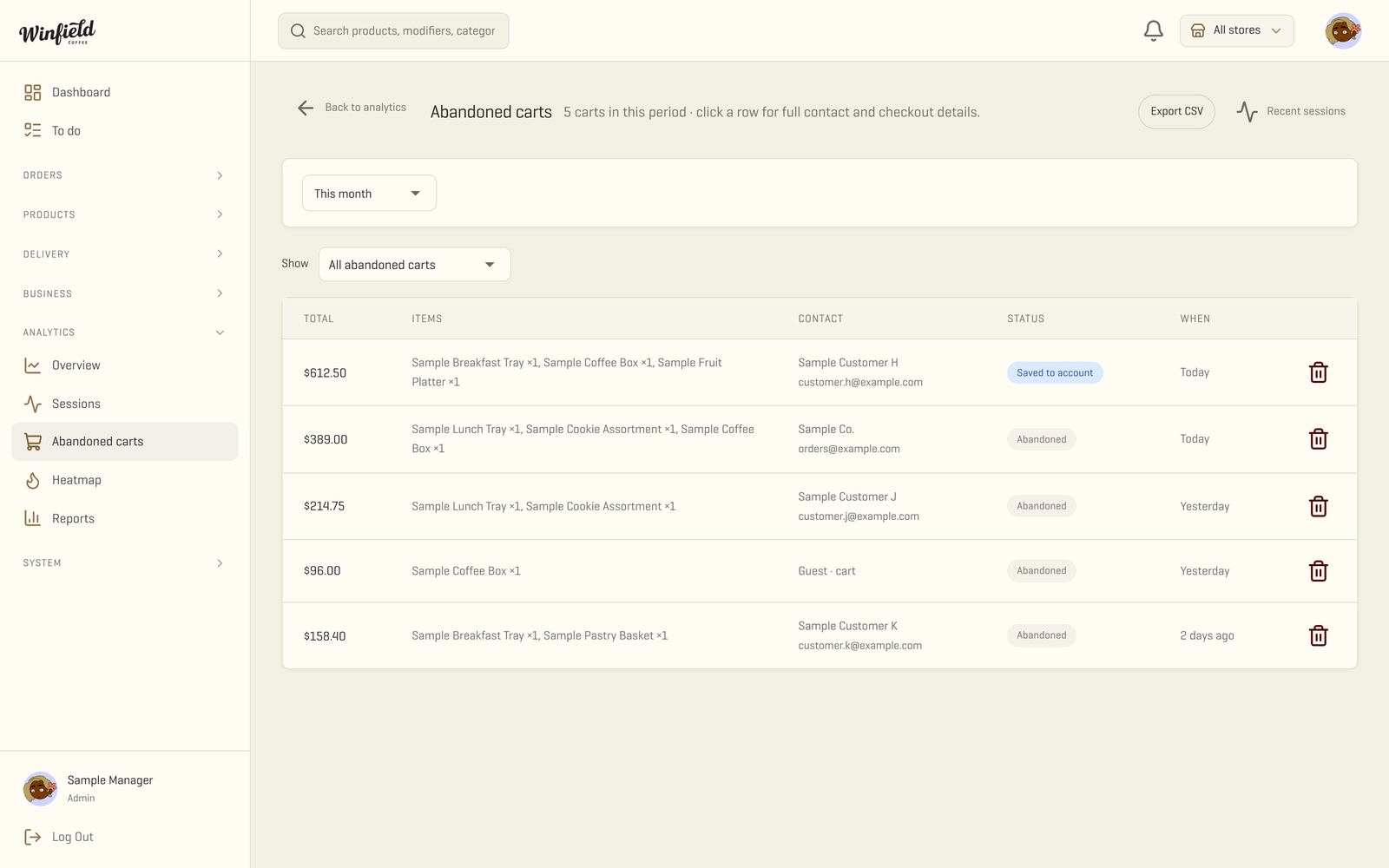
Sort that list by event date first and by total second. A $900 lunch in four days comes before a $200 one in three weeks.
When should you follow up?
Sooner than feels polite, and by phone when the event is close. The closer the date, the less time the buyer has to find someone else and the less time your kitchen has to prepare.
| Event date | Reach out | How |
|---|---|---|
| In 3 days or less | Within the hour | Phone call |
| In 4 to 14 days | Same day or next morning | Phone call or a personal email |
| In more than 2 weeks | Next morning, and once more after 3 days | Personal email |
Our take: these timings come from how catering kitchens plan their week, not from a study. Your own lead time sets the real limit. If the event date falls inside it, call right away and say what you can still do.
Some carts are only price checks, and that is fine. One call tells you which ones. Stop after two tries, because a third message turns help into pressure.
Who should make the call?
Someone who can say yes on the spot: a manager or the catering lead who can hold the date, change a tray and confirm the price. If the call ends with “let me check and call you back,” the cart cools again.
Write down what each call finds. After a month those notes show which question stops most carts, and that question is the fix to make on your site.
What should the message say?
Name the order, ask one question and offer a person. Leave the discount out of the first message.
On the phone it can sound like this: “Hi Dana, this is Marcus from the kitchen. I saw you started a lunch order for 24 people on the 18th and it did not go through. Can I finish it with you now, or change the trays if the headcount moved?”
By email, shorter still:
Subject: Your lunch order for the 18th Hi Dana, I saw you started an order for 24 people and it did not go through. I can hold the date and finish it with you by phone, or change the trays if the headcount moved. Just reply here. Marcus
Our take: a coupon tells the buyer that the price was the problem. In a catering cart the stall is usually a question about headcount, approval or timing, and a quick answer does more than a coupon.
Keep the message to one person writing about the exact order they started. Automated texts and bulk marketing email follow stricter rules, so check them with your advisor before you automate anything.
How do you lose fewer carts in the first place?
Remove the questions that make people stop. Show the minimum notice and the per-person price before the cart, so nothing surprises the buyer at checkout. Let the buyer save the cart or send it to the person who approves the spend.
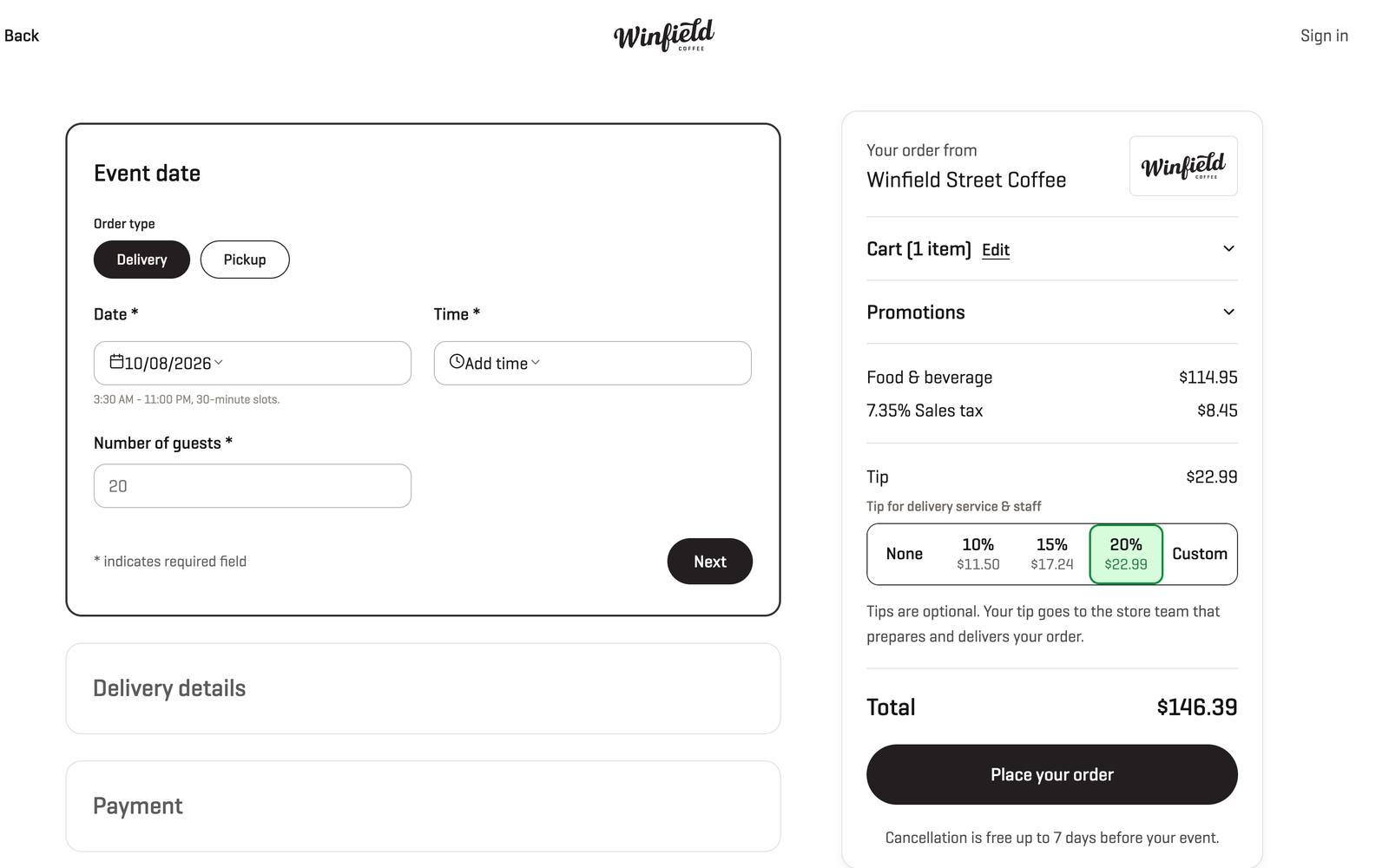
When the payer is not the buyer, the cart waits for a card nobody has. Offering an invoice or a purchase order fixes that, and corporate catering orders: invoices, PO numbers and one-click reorders walks through how.
Can your ordering site show you these carts today?
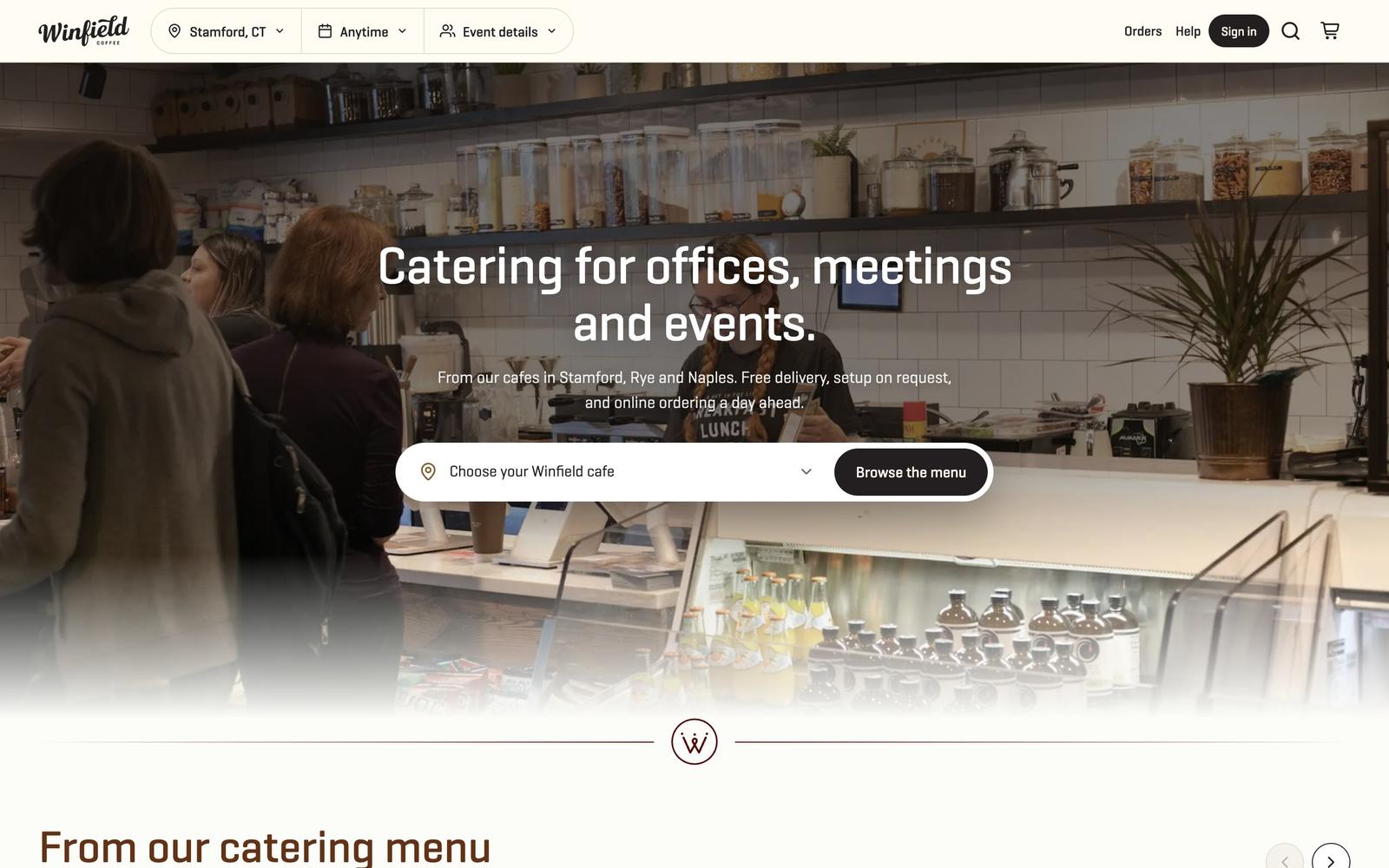
If it cannot, that is the first gap to close. We build catering ordering sites for restaurants with the carts screen above, payment through the POS you already use and one monthly price with no fee per order. The Winfield Street Coffee case shows a full system running, and the restaurant dashboard page shows the carts, the orders and the driver map behind one login. For the checkout side, see our catering ordering system.
Frequently asked questions
How long should I wait before contacting someone who left a catering cart?
Within the hour if the event is 3 days away or less, the same day or next morning if it is within two weeks, and the next morning for anything further out. The closer the date, the faster the cart goes cold.
Should I offer a discount to win back a catering cart?
Not in the first message. Ask what stopped them. Most carts stall on a question about headcount, price approval or timing, and an answer works better than a coupon.
Is it okay to contact someone who never finished checkout?
A personal message about the exact order they started is normal customer service. Automated texts and bulk marketing email follow stricter rules, so check them with your advisor before you automate.
What if the abandoned cart has no email or phone?
Then you cannot follow up. That is the reason to ask for contact details at the start of the catering form, next to the event date, and not at the payment step.
Comments